Hidden Smartphone Tricks You Probably Didn’t Know About
Modern smartphones are packed with powerful features, but many of them remain hidden or rarely used. Whether you use an Apple iPhone or an Samsung Galaxy, these clever tricks can help you save time and get more out of your device.
1. Quickly Open the Camera
You don’t always need to unlock your phone to take a photo.
- On many phones, double-press the power button to instantly open the camera.
- On some lock screens, you can also swipe the camera icon to launch it quickly.
Perfect for capturing moments before they disappear.
2. Use Your Phone as a Scanner
Most smartphones can scan documents without extra apps.
- Open the camera or notes app.
- Point it at a document.
- The phone automatically detects the page and lets you save it as a PDF.
This is useful for receipts, forms, and handwritten notes.
3. Back Tap Shortcuts
Many newer smartphones support tapping the back of the device to trigger actions.
You can set it to:
- Take a screenshot
- Open the camera
- Turn on the flashlight
- Launch an app
This feature saves time compared to navigating menus.
4. Move the Cursor Precisely While Typing
Editing text on a phone can be frustrating, but there’s a trick.
- Press and hold the space bar on the keyboard.
- Slide your finger to move the cursor exactly where you want it.
This makes editing messages much easier.
5. Use Voice Commands for Quick Tasks
Voice assistants like Google Assistant or Siri can do more than answer questions.
You can ask them to:
- Send messages
- Set reminders
- Start navigation
- Control smart home devices
6. One-Handed Mode
Large phones can be hard to use with one hand.
Many smartphones offer a one-handed mode that shrinks the screen so everything is easier to reach.
7. Quickly Silence Calls
If your phone rings during a meeting or quiet moment:
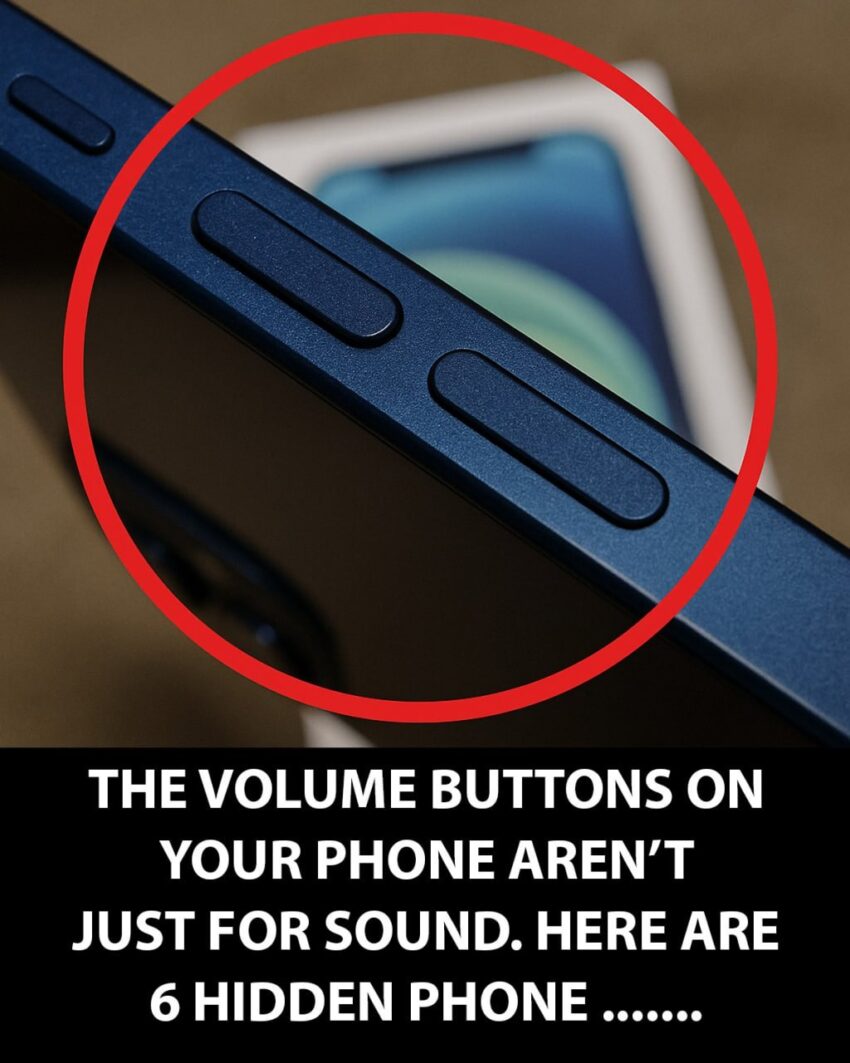
- Press the volume button once to silence the ringer without rejecting the call.
Final Thoughts
Smartphones are designed with many hidden features that most people never explore. Learning even a few of these tricks can make everyday tasks faster, easier, and more convenient. Taking time to explore your phone’s settings might reveal even more helpful tools you didn’t know existed.
