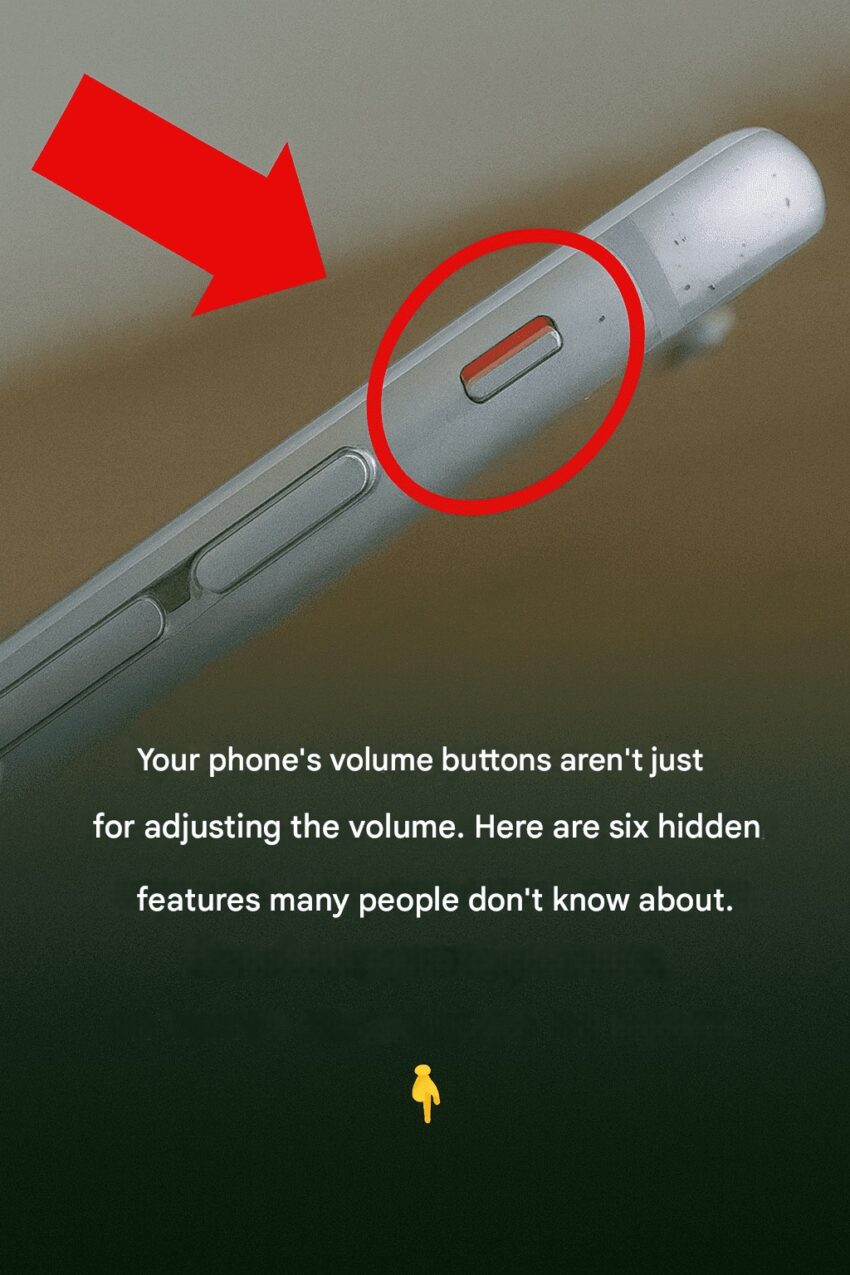
You’ve Been Using a Phone for Years — But You Probably Don’t Know These Hidden Features
Most people use their smartphones every day, yet many use only a small portion of what their phone can actually do. Whether you use an Apple iPhone or an Samsung Galaxy, there are several hidden tricks that can make your life much easier.
1. Move the Cursor With the Keyboard
Typing mistakes happen, but fixing them can be frustrating.
Hidden trick:
Press and hold the space bar on the keyboard and slide your finger. Your keyboard turns into a trackpad, letting you move the cursor precisely.
2. Quickly Silence an Incoming Call
If your phone rings at the wrong time:
- Press the volume button once
- The call will silence immediately without rejecting it.
This works on most modern smartphones.
3. Double-Press the Power Button for the Camera
Need to take a photo quickly?
On many phones, double-pressing the power button instantly opens the camera—even if the phone is locked.
4. Use Voice Commands for Faster Tasks
Voice assistants like Google Assistant or Siri can do much more than answer questions.
You can ask them to:
- Send messages
- Set reminders
- Call someone
- Turn on alarms
- Open apps
5. Scan Documents With Your Phone
You don’t need a scanner anymore.
Most phones allow you to scan documents directly with the camera and save them as PDFs using built-in tools or note apps.
6. Back Tap Shortcuts
Some smartphones allow actions by tapping the back of the phone.
You can set it to:
- Take a screenshot
- Open the camera
- Turn on the flashlight
- Launch an app
7. Find Your Phone Even on Silent
If you misplace your phone, tools like Find My iPhone or Find My Device can make your phone ring—even if it’s on silent.
✅ Bottom Line:
Most smartphone users know only the basic functions, but modern phones hide dozens of powerful shortcuts and tools. Learning just a few of them can save time and make daily tasks much easier.
